Nothing is deleted without your tap

Your phone has room. It is just full of copies.

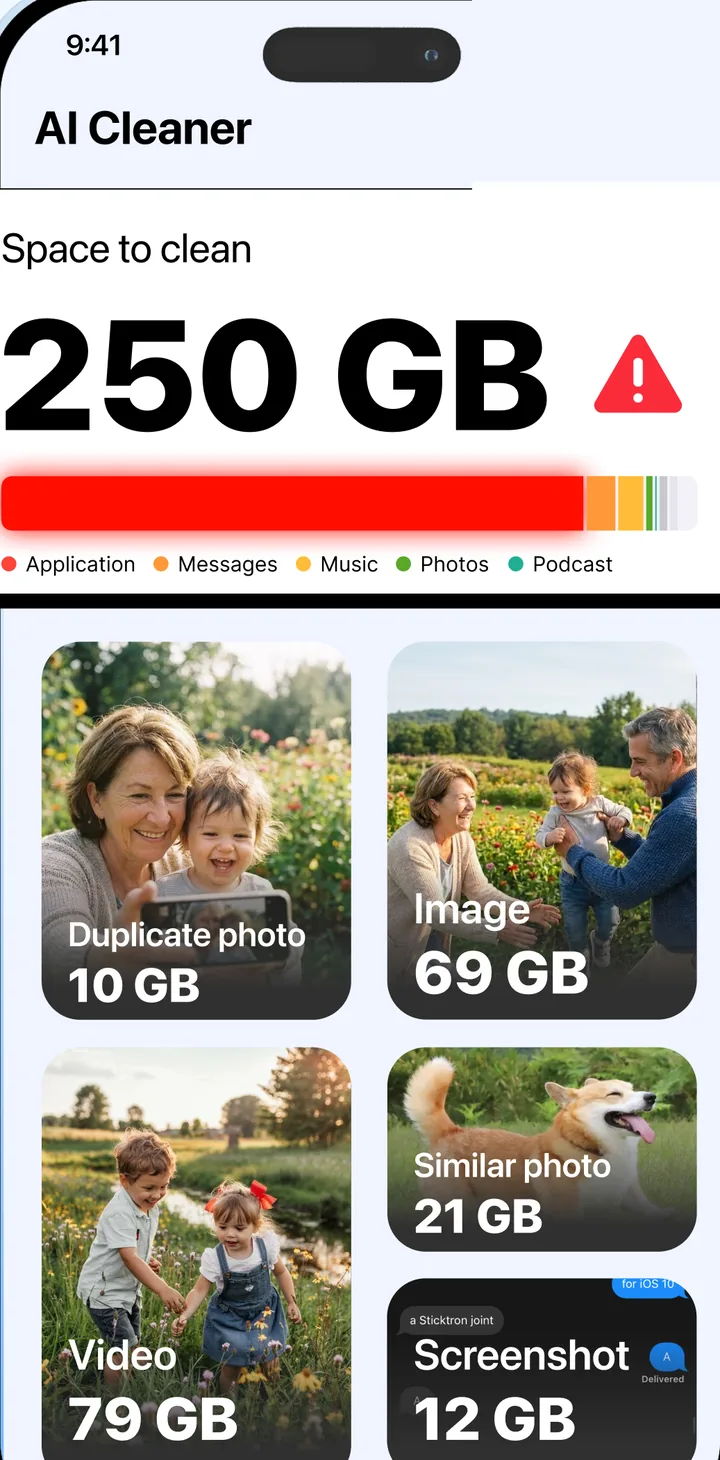
AI Cleaner finds duplicate and similar photos, screenshots, big videos and junk, then clears them in one tap.

Free to scan. iOS 16 or later, Android 8 or later.

AI Cleaner home screen showing space to clean by category
0M+downloads on Google Play
0App Store rating
0 tapto review and clear what the scan found

Four kinds of clutter, each with its own cleaner.

Photos

Duplicates and near-duplicates, best shot kept

Burst shots, the same screenshot saved twice, the five versions of one group photo. The app groups them, marks the sharpest one as "best result" and lets you delete the rest in a single tap.
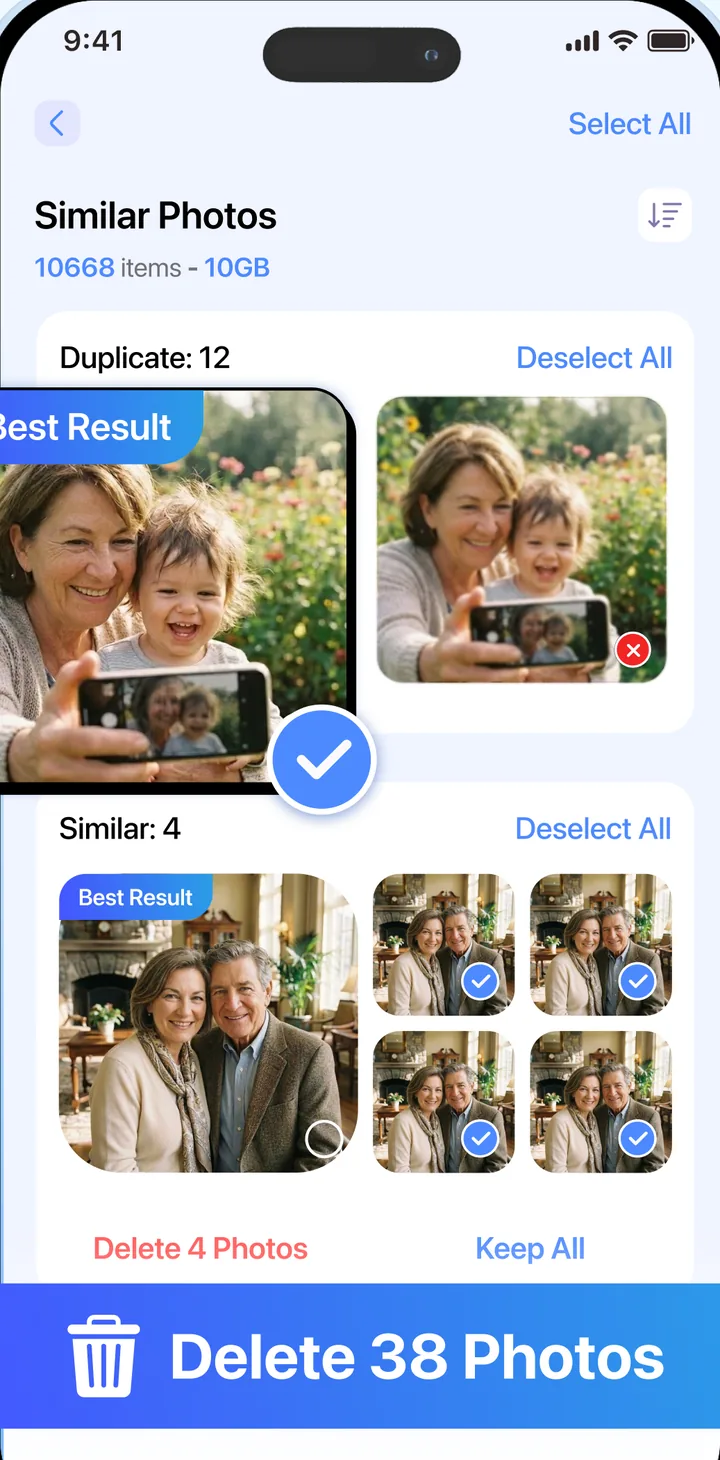
Similar photos grouped with the best result selected
Storage

See what is using the space before you touch anything

One scan sorts storage into photos, videos, apps, messages and cache. Clear a category, watch the ring drop, and keep what you still want.
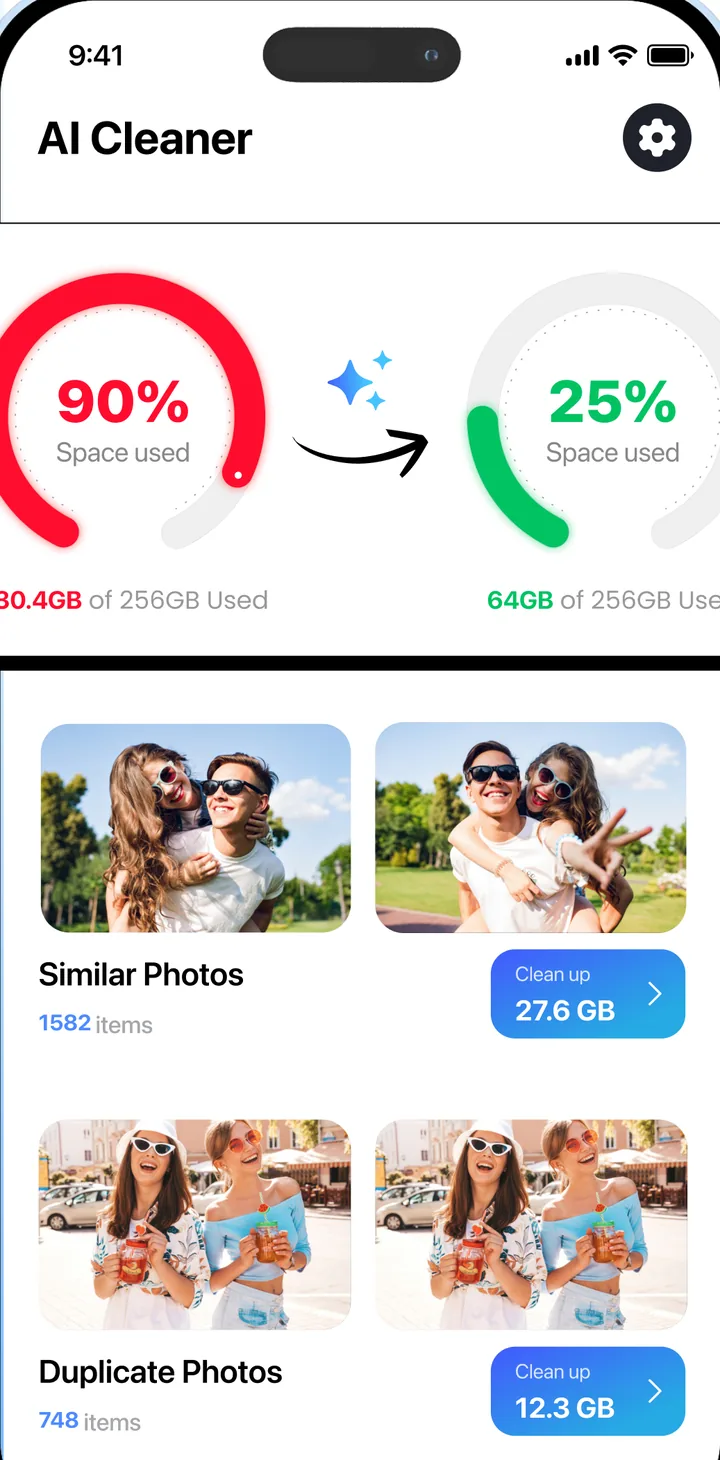
Storage overview before and after cleaning

Compress videos, keep the quality

A 2.5 GB clip becomes 1.2 GB at a quality you choose. The original is replaced only when you say so.
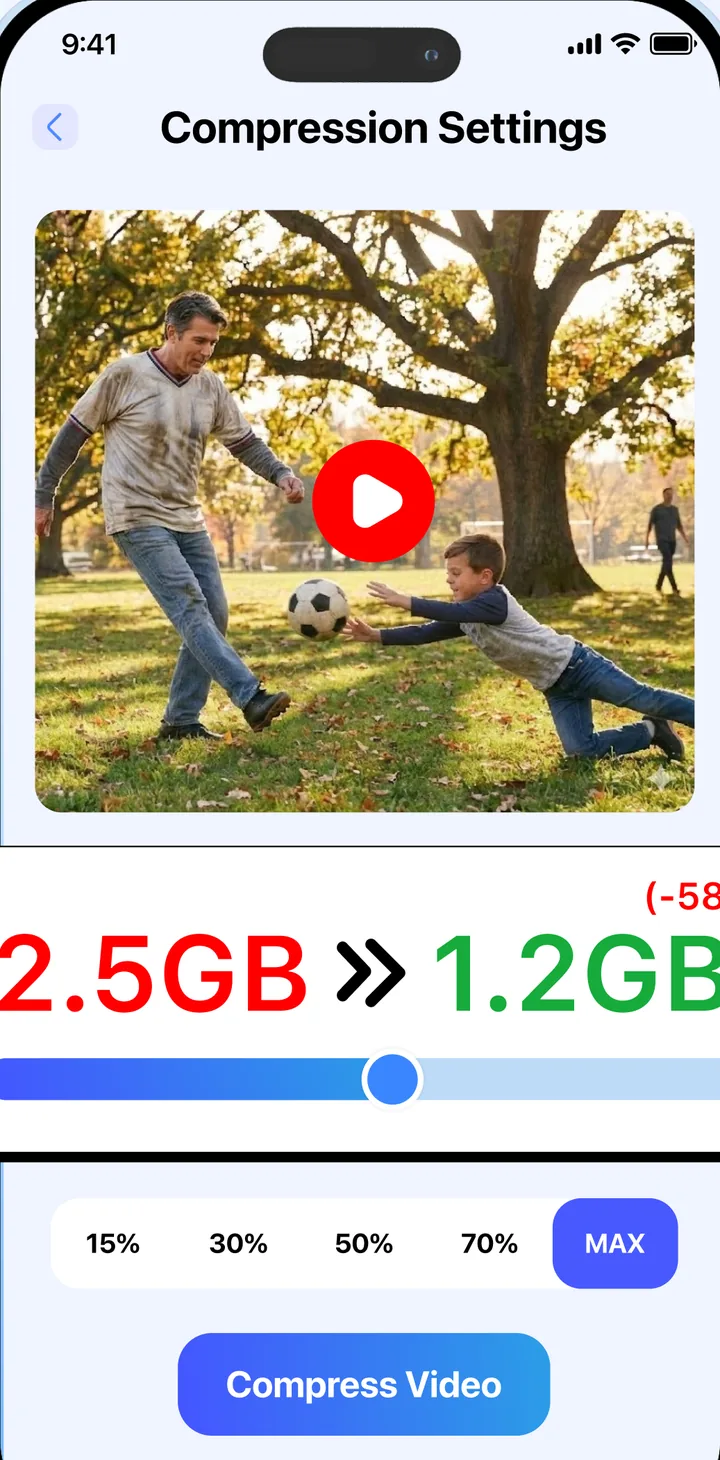
Video compression settings

A private library behind a PIN

Move photos and videos you do not want in the camera roll into a locked space inside the app.
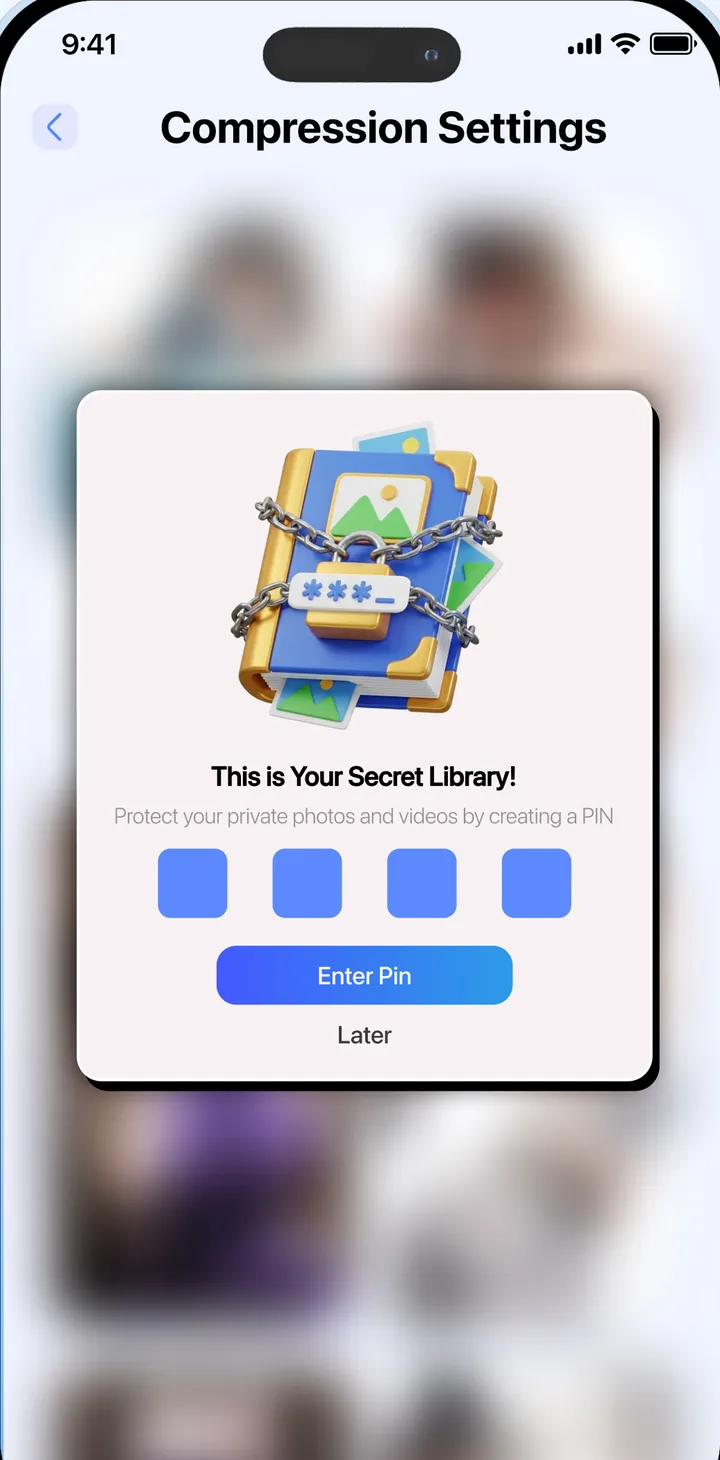
Secret library PIN screen

Install, scan, decide. Ten minutes on a full phone.

Scan runs on the phone

Allow photo access, tap Scan. Nothing is uploaded; the comparison happens on your device.

Review what it found

Every group shows what will be deleted and what will stay. Untick anything you want to keep.

Clear, then check Recently Deleted

iOS keeps deleted photos for 30 days. Empty that folder too if you want the space back right now.

“Easy to use with all Apple products, trusted.”

Jpain, App Store review

Before you install

No. The scan only proposes. Every group shows exactly which files are selected and you can untick any of them. Deleted photos also sit in your phone's Recently Deleted folder for 30 days.

Scan now. Keep what you like, clear the rest.